





What a cutout actually is
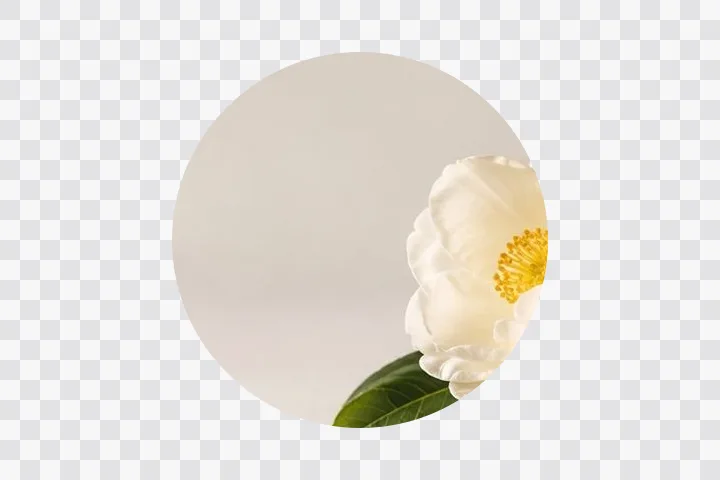
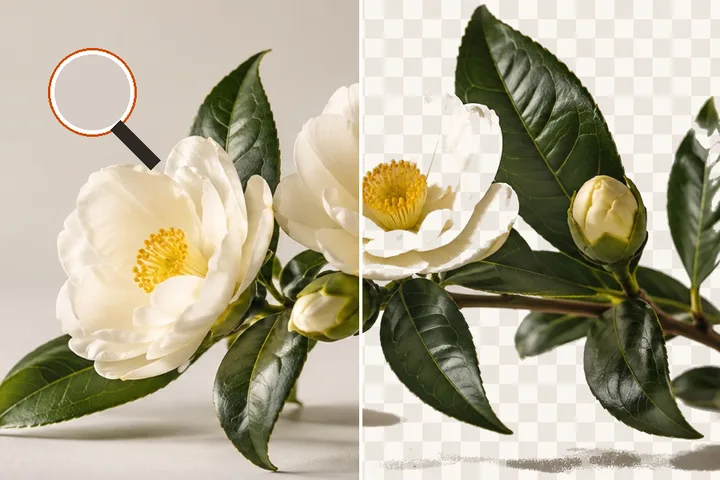
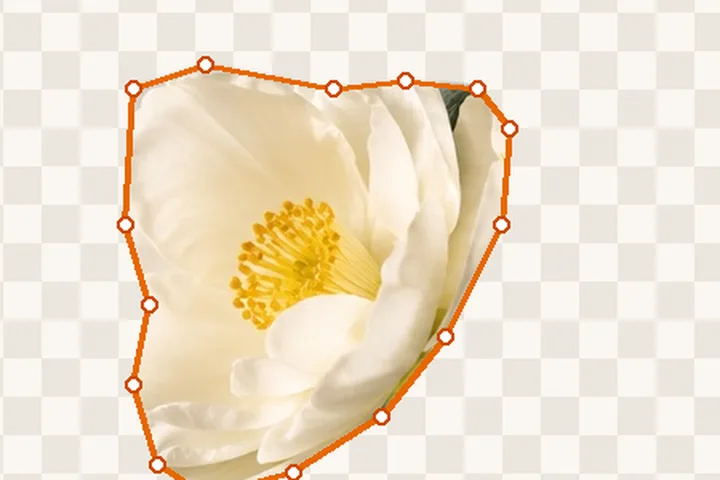
A cutout is not a picture with the background painted out. It is the same picture with a fourth channel added to it, and that channel says, for every single pixel, how much of that pixel is subject. Most of them are easy: this one is entirely the dog, that one is entirely the lawn. The interesting ones are in between — the pixel that caught half a whisker, the one a strand of hair crossed at an angle — and the quality of a cutout is decided almost entirely by what happens to those.
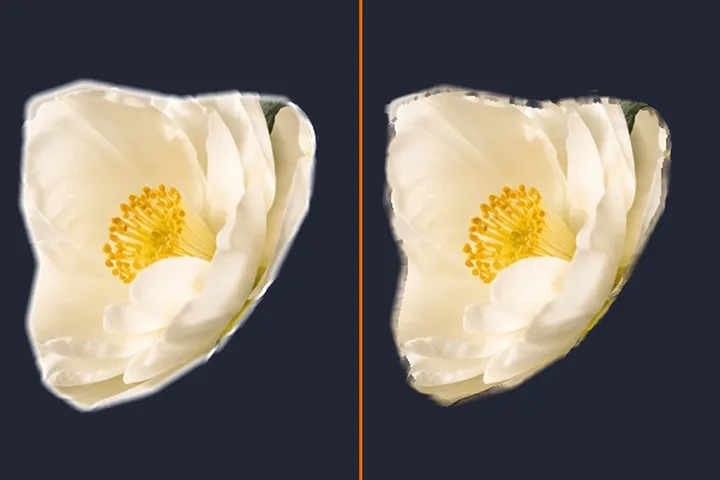
That is why this page has an edge detail control and not a slider marked accuracy. The number sets how wide a strip either side of the boundary is allowed to be uncertain. Inside that strip, a filter reads the photograph at its real resolution and works out how much of each pixel belongs to the subject; outside it, the answer is already yes or no. A one-pixel strip gives you a crisp outline and loses every flyaway strand. A fourteen-pixel strip keeps the strands and lets a bit of the room come with them.
| Edge detail | Pixels allowed to be part-way | Best for |
|---|---|---|
| 1–3 px | very few | shoes, bottles, boxes, anything with a made edge |
| 4–8 px | a modest band | most people, most pets, most of the time |
| 9–24 px | a wide band | loose hair, fur, knitwear, feathered edges |
Getting a clean edge, panel by panel
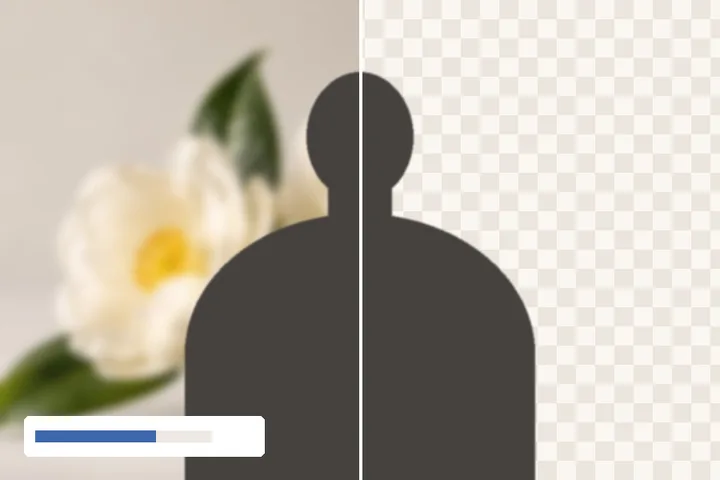
- Cut. Drop a photo in, pick one from your device, or paste a screenshot, and the edge is found for you. This panel is where you say how: guided selection suits a photograph, a segmentation model suits a person, ink on paper suits a signature — and it can be run again, around your own strokes if you like.
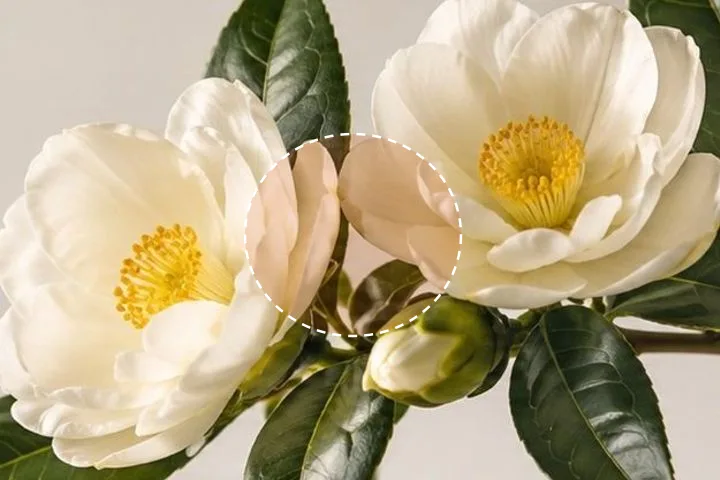
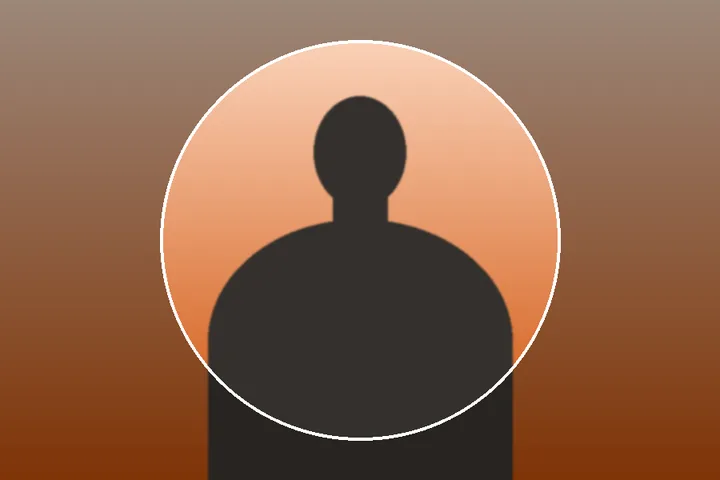
- Refine. Paint keep over anything that was dropped and take away anything that came along — on the cutout, or on the mask overlay that washes what is being removed in orange. The brush works on the fourth channel, so what you take away becomes see-through rather than white.
- Edge. Edge detail, feather and fringe clean-up: how wide the part-way strip is, how soft its ramp, and how much of the old background's colour is solved back out of it.
- Finish. Optional. A ground or drop shadow written into the file's own transparency, a sticker outline, or a new ink colour for a signature.
- Frame. Tight to the subject or the whole frame, a shape such as 1:1 or 7:9, an exact pixel size, and a white or coloured background if the file should not be transparent. Ready-made sizes for passports, form signatures and stickers carry their sources.
- Save. PNG, WebP or — with a background — JPEG, landed inside a KB range if a form asks for one. The size shown next to the button is the actual file, written from the original's pixels, and the receipt is read back out of it.
The numbered panels are a map rather than a gate. Every one is reachable at any time, undo and redo cover every change on all of them, and the save button is on screen throughout, because people arrive knowing what they want to change and a wizard that makes them walk back through three screens to get at it is a wizard nobody finishes.
What it opens, and what it hands back
JPG, PNG, WebP, GIF, BMP and ICO are read straight away, and so is AVIF in any browser that decodes it (current Chrome, Edge, Firefox and Safari do); TIFF opens in Safari, which decodes it natively, and not yet in other browsers. A CMYK JPEG from print software opens with a note, because the browser turns it into RGB without its colour profile. A photograph from a recent iPhone arrives as HEIC, which no browser decodes on its own, so a decoder of about two megabytes is fetched the first time one of those turns up and never before. A file whose name disagrees with its contents is believed on its contents. An animated GIF or WebP contributes its first frame and says so. A sixteen-bit PNG comes down to eight bits a channel, and an icon file with several sizes inside gives up its largest.
Orientation is settled before anything else happens. Browsers disagree about whether they apply a photograph’s rotation tag for you, so a two-pixel test image is decoded first and the answer read off it; the rotation is then applied by hand only if this browser did not do it. A phone photo that comes out sideways in half the tools on the internet comes out upright here.
What comes back is a PNG-32 — red, green, blue and the alpha channel at eight bits each — or, if you ask for it and your browser can write one, a WebP with its alpha intact, which is smaller and still flattened by a few of the places these files get pasted. JPEG has no alpha channel, so it is offered only once the Frame panel has a background colour behind the cutout — and then the receipt checks that the background in the saved file is exactly that colour.
- Fine hair on a busy background is where this loses. The default boundary is found by colour and contrast, so brown hair in front of a brown bookcase has neither, and strands disappear into it. A plain wall behind the same person produces a cutout several grades better. This is the one case the segmentation model on the Cut panel genuinely fixes, because it knows what a person is without needing the colours to differ — at the cost of a download, and only when the subject is a person.
- Glass, veils, netting and motion blur come back wrong. A wine glass returns as an opaque glass-shaped object, because what is being estimated is which pixels are the subject and not how much light passes through them. Lace and chain-link return with their holes filled. A blurred arm has no edge to find, so the boundary lands somewhere arbitrary inside the smear.
- A contact shadow usually comes along. On a product photographed on a white sweep, the shadow under the object is darker than the sweep and the solve treats it as part of what is standing there. Sometimes that is exactly right and the object would otherwise float; when it is not, the take-away brush on the Refine panel is the fix.
Where to take the file next
A transparent PNG is a starting point more often than a destination. Dropped into a slide, a listing or a document it will sit on whatever is already there, which is the whole point of the alpha channel — and also the reason a cutout can look wrong the moment it lands somewhere with a pale layout behind it. Look at the fringe against the colour it is actually going to sit on before you decide the edge is finished; the backing swatches on the Edge panel exist for exactly that check.
If what you want at the end is not transparency at all but a plain colour behind the subject, that happens here too: the Frame panel lays the cutout on white or any colour, in linear light so the edge blends, and saves a JPEG. The white background page opens with that already set, square, for marketplace listings.
If what you have is a set rather than a picture — a shoot, a listing, a folder of the same object on the same table — drop the whole set on the frame at the top of this page. Several files open the ledger instead of the studio, and the ledger’s argument is that a folder is never one kind of edge: every picture’s boundary is measured against its own pixels and given its own band, every row says which grade it earned and on what figures, and a picture with no boundary to find is withheld by name rather than written out blank.
What this site will not do
It does not paint an unwanted object out of the middle of a frame, take a watermark off someone else’s photograph, or put a generated scene behind your subject. It does not check a face against passport biometrics, and it does not upload anything to do any of the above. Those are different jobs with their own ways of going wrong.
What it does is the background and everything the file needs on its way out: the transparency, the edge, a plain background if you want one, the exact pixel size and the file size a form will accept — each of them checked in the saved file rather than promised in a sentence.
The written explanations
Three longer pieces sit behind the explanations index, and each takes one of the things that surprises people after the file is saved: a cutout that arrives boxed in white in some applications and not others, a boundary whose strands either vanish or bring a rim of the old room with them, and a scanned signature that a subject model reads as a rectangle of paper.
They are not instructions for the tool above — the panels do that job. They are the reasons underneath it, written out at the length the answers actually need, including the cases where the honest answer is that nothing on this site fixes it.